the say command
On the mac, if you pipe text to say it will speak the words using text-to-speech
the pbpaste command
On the mac, pbpaste outputs whatever text is on your clipboard. It's great for alot of things
The alias speak
I've created a new zsh function (I use functions over aliases for reasons)
function speak() { pbpaste | say }
Making it sound good
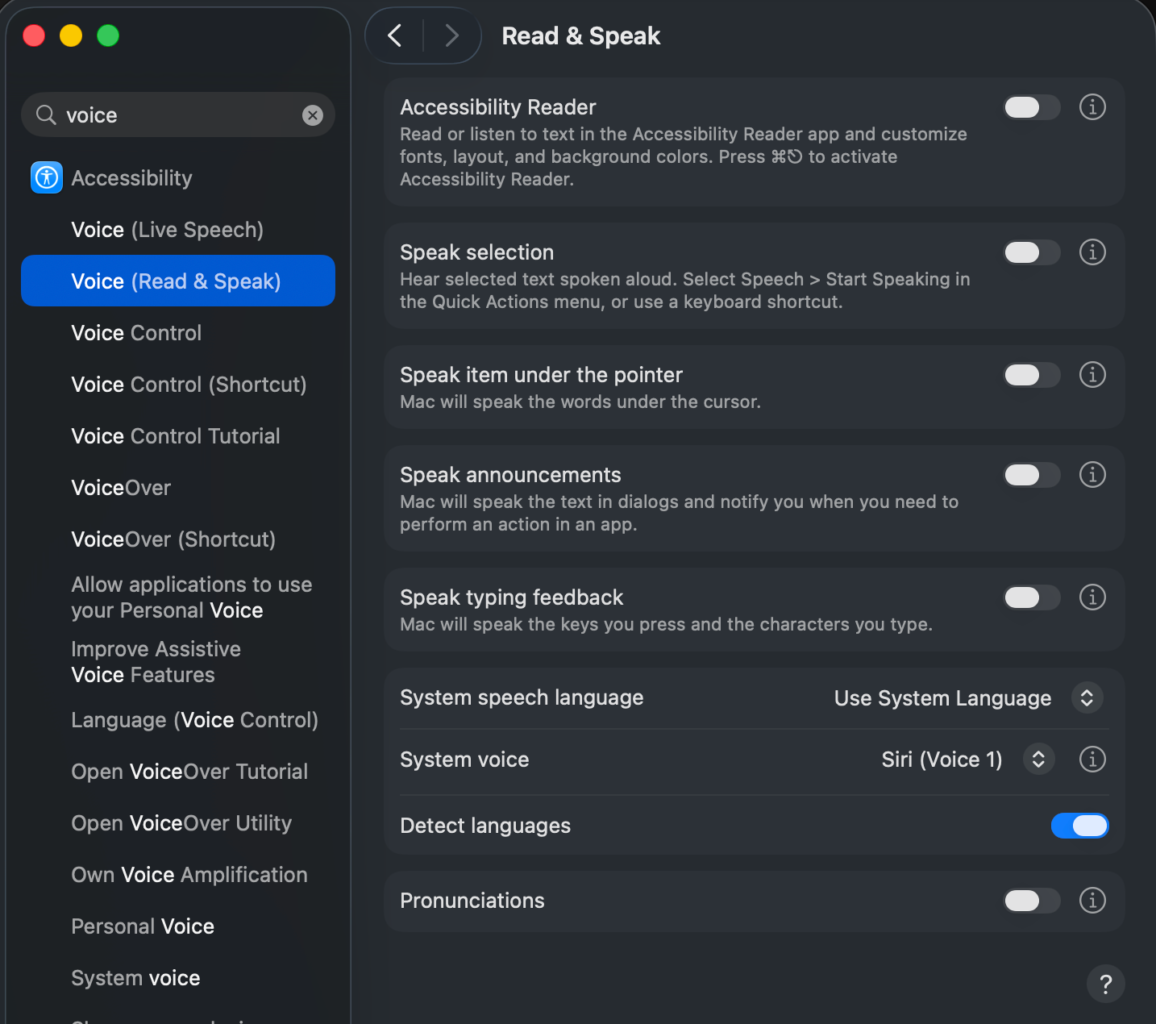
This works great, but the voice is, less than good, out of the box. It uses the system voice which hasn't changed in forever, but there is a better way.
Under Read & Speak in the accessibility options, change the system voice. I've changed it to Australian Siri Voice 1 because that's the one that I like, but there are a bunch to pick from